
What the team makes
Everything a marketing
team ships.
Nova and the team work with these to make your marketing. You can open any of them yourself, and they all come with one plan.
Create
What the team makes.
Visuals, video, sound, and pages for your launches and channels.

Images
Give your marketing team product photos, launch creatives, and brand directions in minutes. Start from a clear brief and reference images, and keep what works for the next campaign.
Explore Images →
Video
Turn a description or a product image into a short clip your marketing can use on your site, in ads, and on social. Choose the format, direct the scene, and review the result with your team.
Explore Video →
Movie Studio
Develop a movie project from a brief, organize scenes, and review the images and clips that bring your story together.
Explore Movie Studio →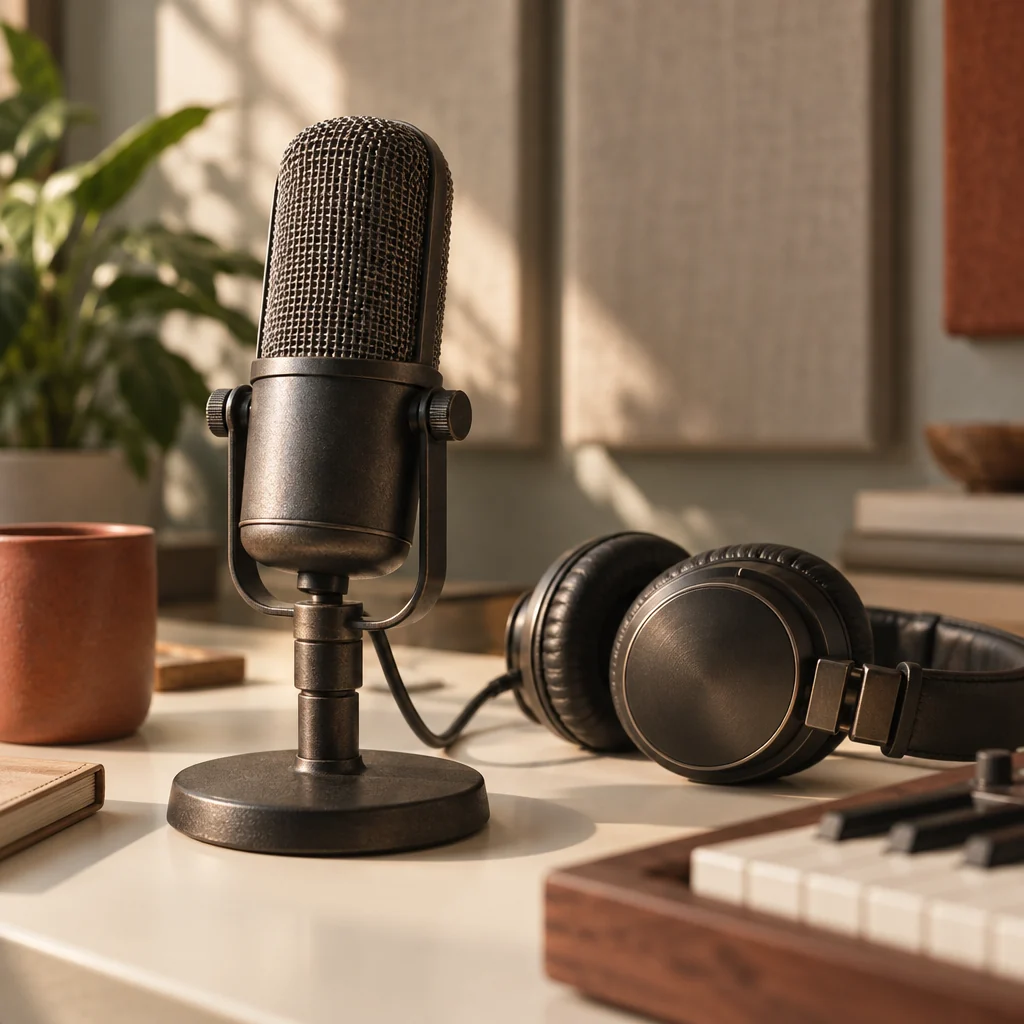
Audio
Generate music or turn your script into spoken audio for product videos, explainers, and internal updates. Listen, refine, and keep the result with the rest of your team's work.
Explore Audio →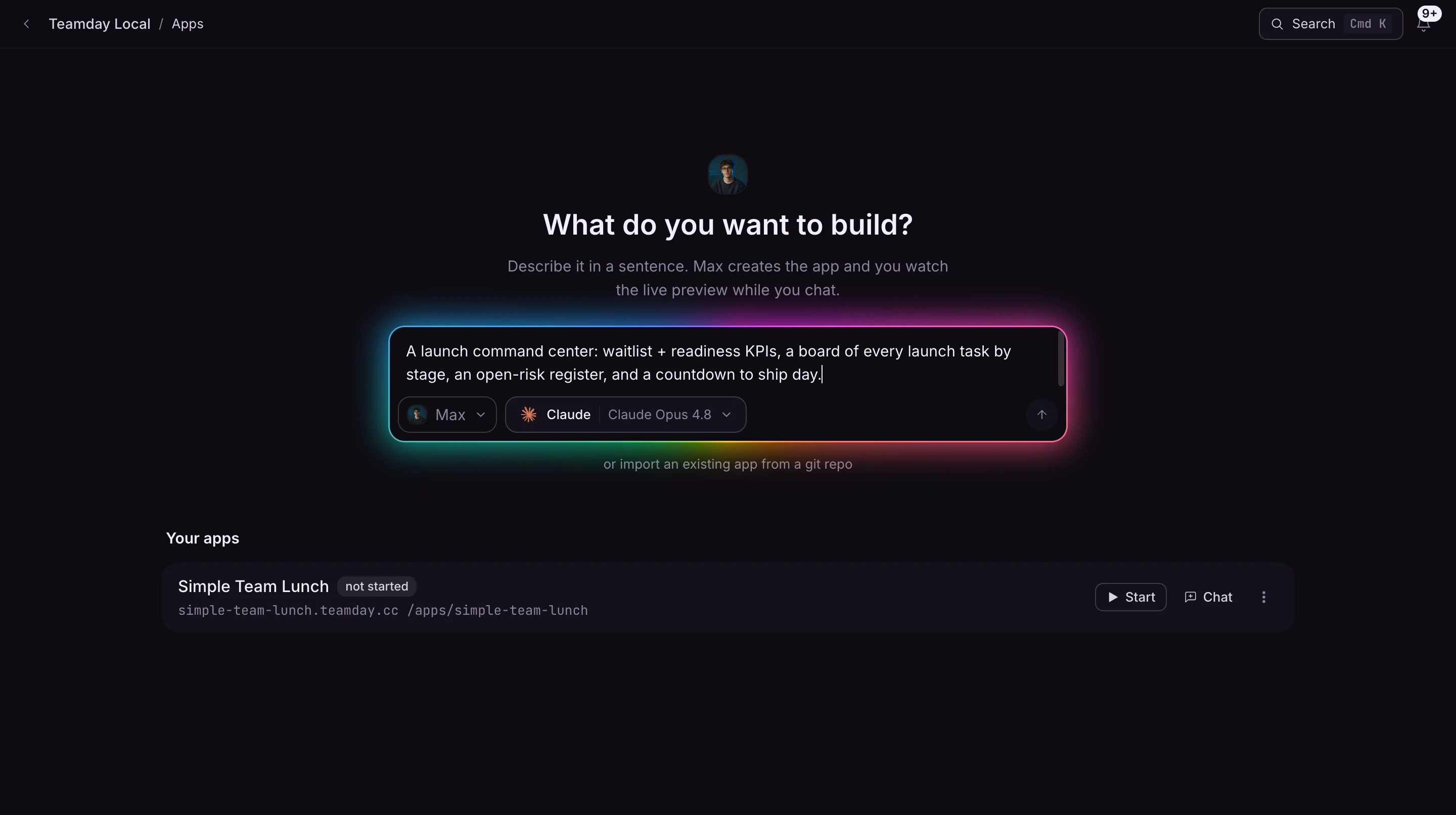
App Builder
Describe the calculator, tracker, or small app your team needs. Work with AI to build it, preview it, and share a working version with the people who will use it.
Explore App Builder →Grow
Where your ad money goes.
The team reviews your advertising data and brings you the decision before any budget moves.

Work
How you work with the team.
Talk to Nova, hand off tasks, and set up the work that repeats every week.

Chat
Work with AI on a research brief, a draft, or a decision. Add relevant context and develop the result in conversation.
Explore Chat →
Agents
See who is on your team, from Nova to the specialists you add when the work needs them, and give each one the instructions and context it needs.
Explore Agents →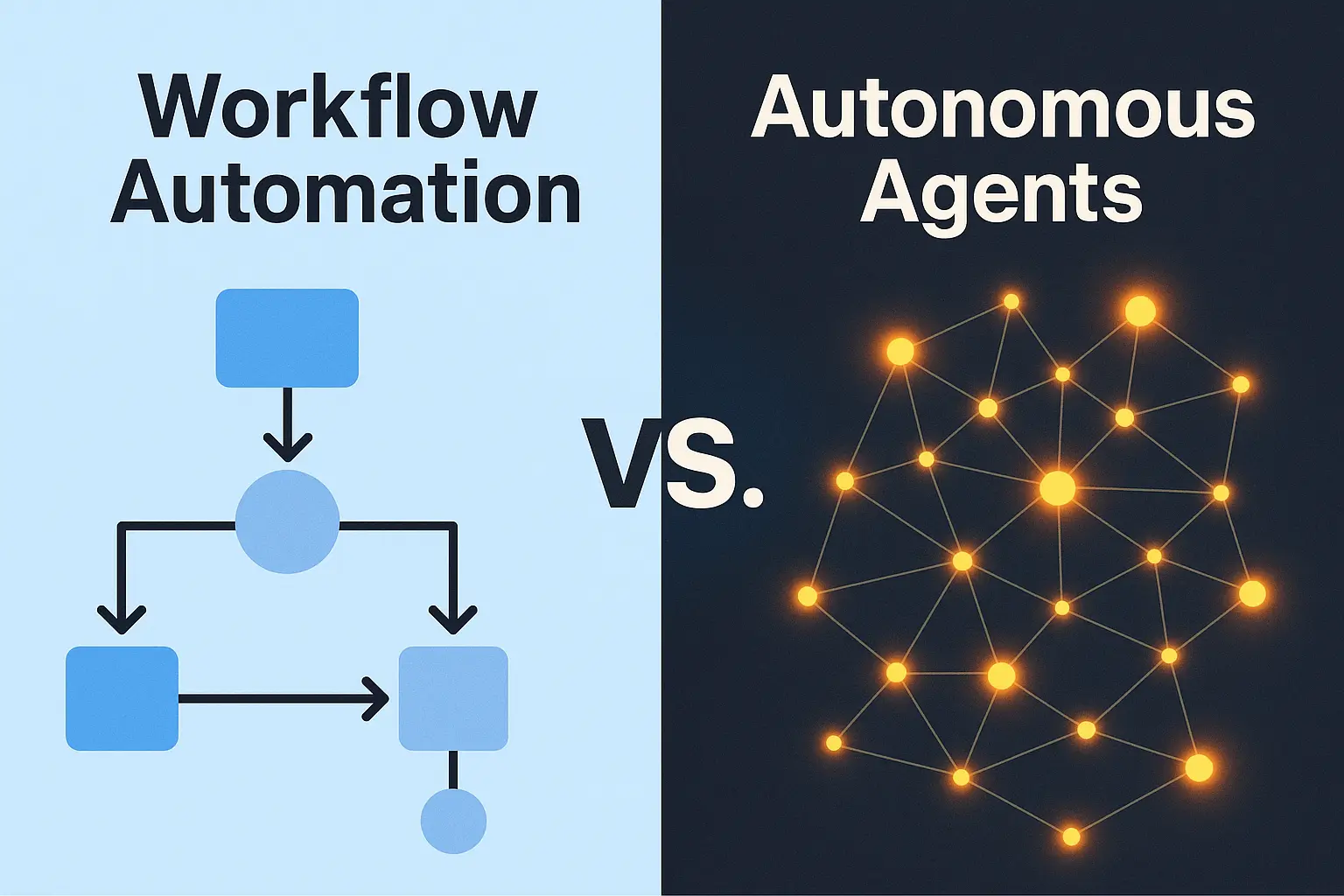
Meetings
Bring several members of your AI team into one discussion. Give them a shared objective and compare their perspectives before deciding what to do.
Explore Meetings →
Tasks
Track delegated work, review progress, and keep the next action visible without chasing updates through conversations.
Explore Tasks →
Processes
Set up the report, the review, or the check your business needs every week. Choose who runs it, decide what needs your approval, and review the result instead of starting from scratch.
Explore Processes →Organize
Where the work lives.
Your files, your company knowledge, and the team’s reports in one place.
Files
Browse the files your team works with, organize them in folders, and keep source material close to the work it supports.
Explore Files →
Knowledge
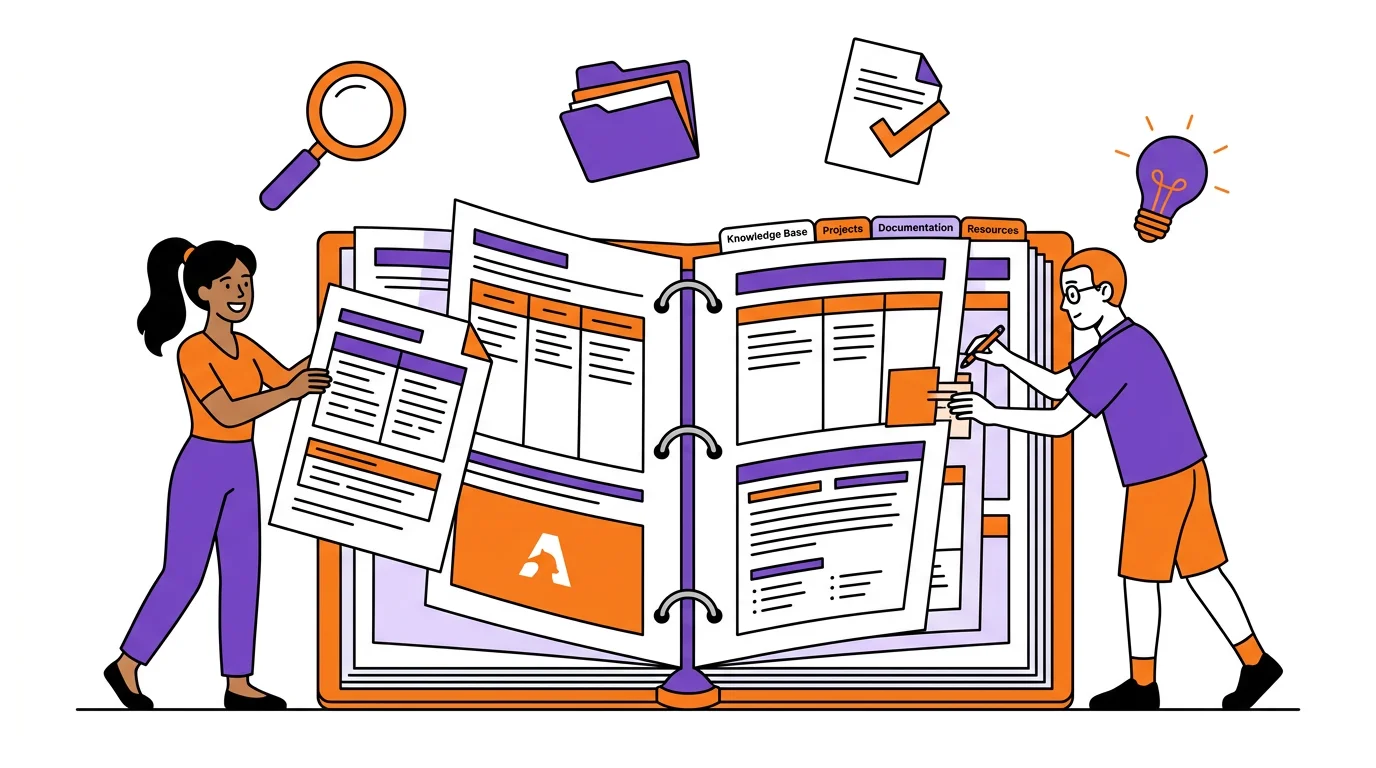
Keep shared documents and company knowledge where your AI team can read them, so each new task starts with better context.
Explore Knowledge →
Feed
Read updates and reports from your AI team. Find the work worth opening and return to it when you need the detail.
Explore Feed →Advanced
For technical teammates.
Activity history, operations health, and a terminal. You never need these to get results.
Activity
Review what the team ran and when, if you need to trace a result, check progress, or investigate an issue.
Explore Activity →Terminal
Open a terminal when your work needs commands, file inspection, or a closer look at the environment behind your AI tools.
Explore Terminal →Operations
Check operational health and investigate issues affecting your team’s work.
Explore Operations →One team.
One price.
Nova, the team, and everything on this page for $99 a month. Free for 14 days with your Claude or ChatGPT account.
See what’s included ↗