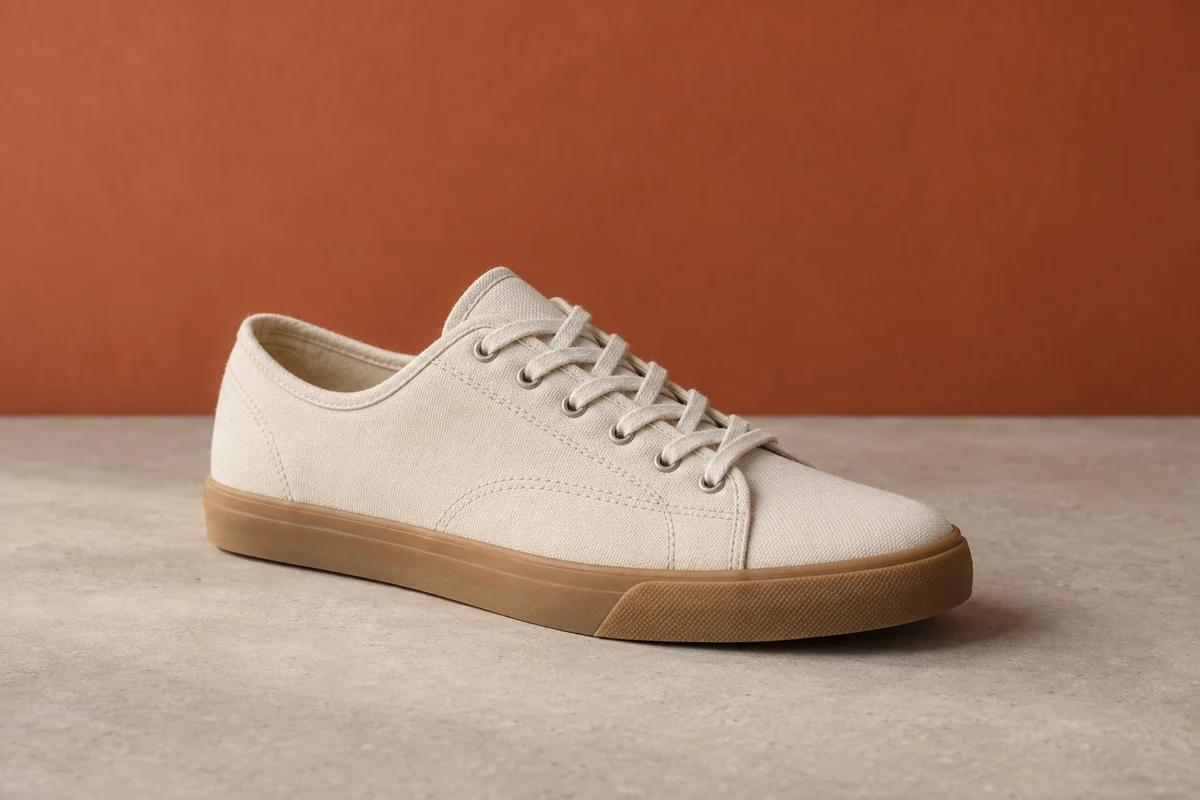
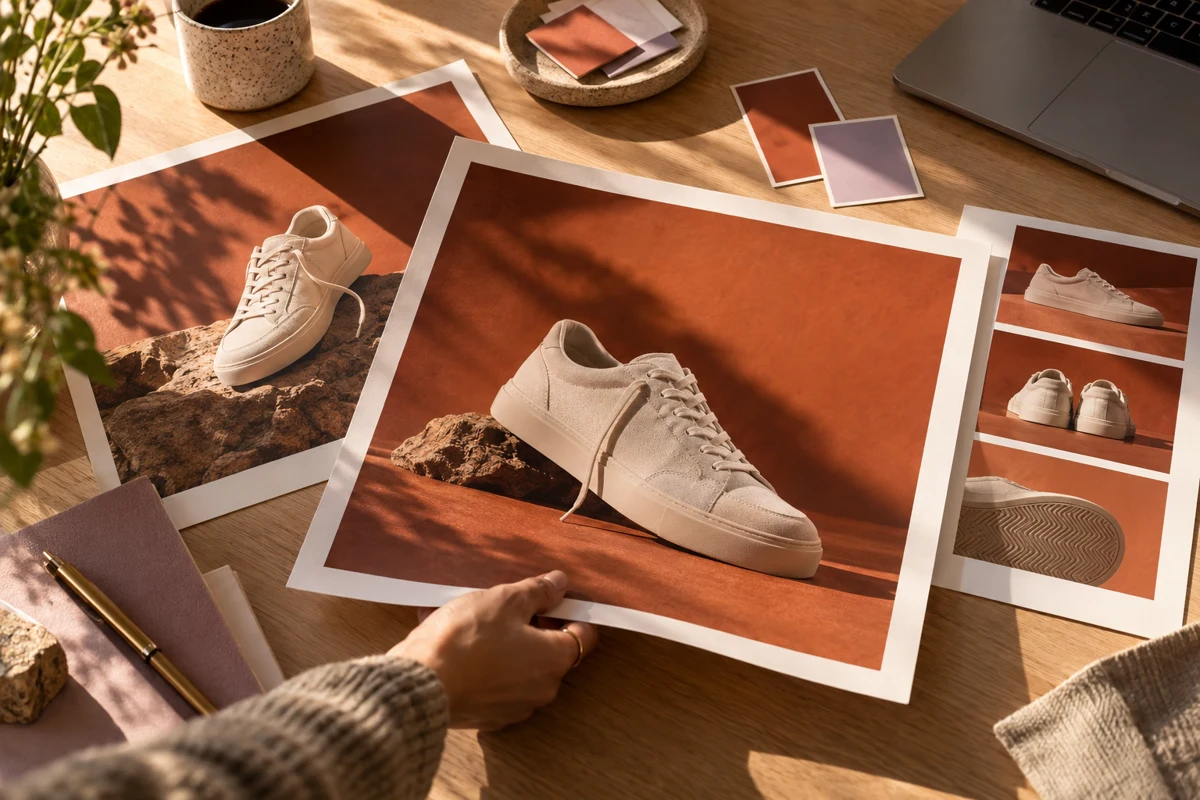
Product moments
A short clip centered on your product, without a crew or a studio day.
Teamday Video
Turn a description or a product image into a short clip your marketing can use on your site, in ads, and on social. Choose the format, direct the scene, and review the result with your team.
Included in your Teamday subscription. Video generation requires your own compatible video provider, which bills usage separately.
See prices and included usage →
Make it useful
A short clip centered on your product, without a crew or a studio day.
Vertical or landscape clips for the channel your customers are on.
Use a product image your team already approved as the video reference.
From idea to first result
Describe the subject, movement, mood, and camera direction.
Use a reference image when your selected model supports it.
Watch the result and refine the brief for your next variation.
Reusable starting points
These are editable example briefs, not guaranteed results. Replace the subject with your own, then review settings and costs before generating.
A short vertical product clip of a ceramic coffee cup on a sunny kitchen counter. One continuous slow camera push toward the cup, soft morning light, and a still background. No scene changes, text, or logos.
Use this briefA short wide shot of a canoe crossing a calm alpine lake at sunrise. The camera glides slowly alongside the canoe, gentle ripples catch the light, and the mountains stay steady in the background. One continuous shot, no text.
Use this briefBefore you begin
No. Video is part of Teamday. Sign in with the same account you use for the other tools.
Start a draft before signing in. Generation availability and costs depend on your account and the selected model.
Yes. You can open the other Teamday tools from the same account. Each tool has its own supported inputs; switching tools does not automatically publish or transfer your work.
Teamday Video
Want this every week? Nova’s team can make it part of your plan →