
Use cases
Where AI helps
a business first.
Practical guides for founders and team leads. Each one starts from a business need, shows which AI employee and tools do the work in Teamday, and links to a finished example you can open.
Run the business
Reports, research, and rules.
The recurring work a team lead wants done every week, owned by an AI employee and reviewed by you.
Use case · Reporting
AI Weekly Marketing Report: Know Every Monday What Moved
A dated report on your desk every Monday: ranking and traffic changes, the likely causes, and the exact fixes for the week, without anyone assembling it by hand.
Read the guide →Use case · Research
AI Competitor Watch: A Dated Teardown Before Every Big Decision
A sourced competitive analysis whenever you need one: what a competitor changed, what it means for you, and the moves worth considering.
Read the guide →Use case · Governance
Write Your Company AI Policy: Tell Your Team What Is Allowed
A clear, reviewable AI policy for your company: which tools are allowed, with what data, who approves what, and how incidents are handled.
Read the guide →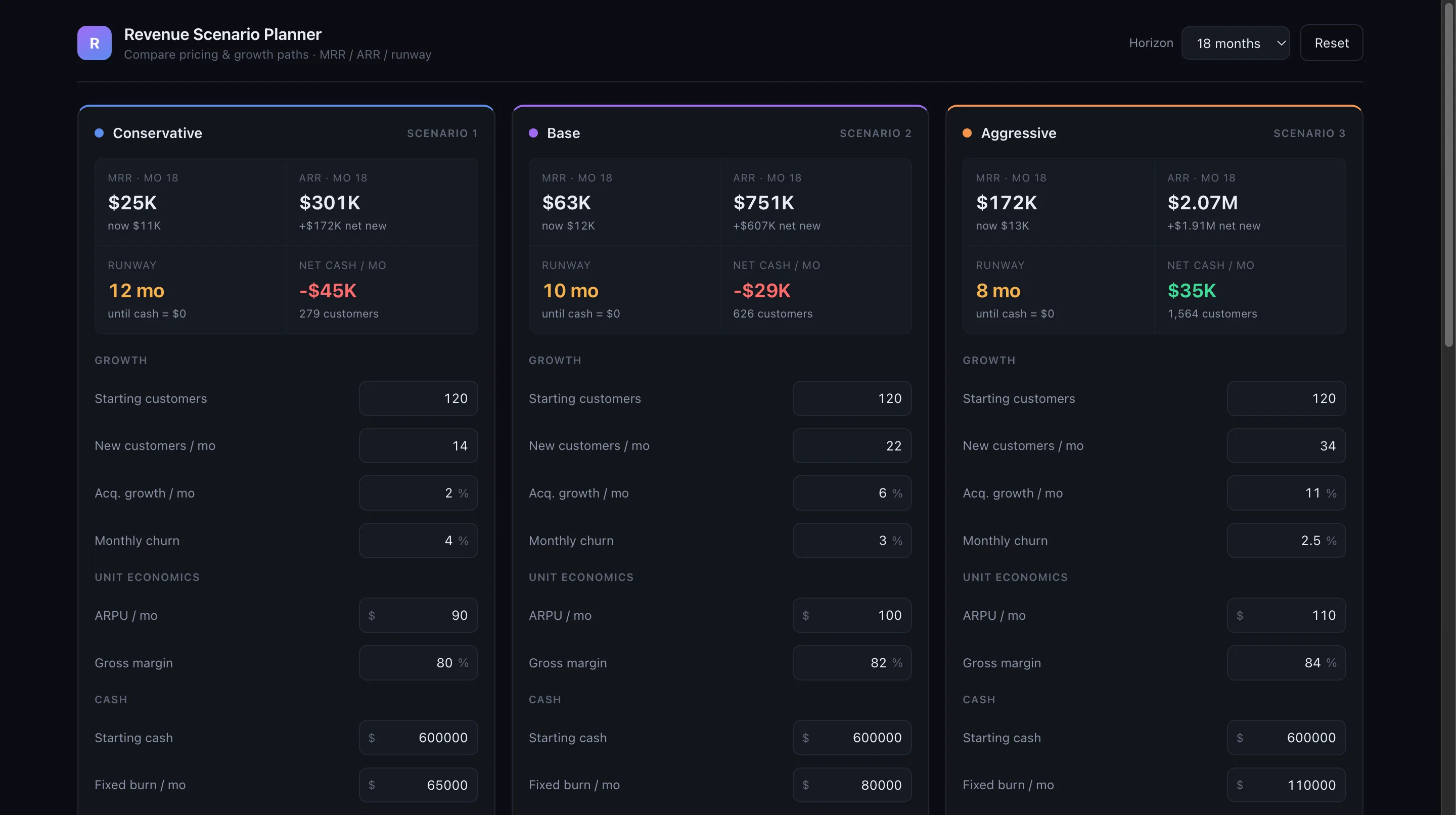
Use case · Internal tools
Internal Tools From Business Questions: Build the Planner Your Team Argues About
A working internal tool your team can open, built from a description, without a developer on the project.
Read the guide →Guide · AI loops
Run Your First AI Loop: Marketing That Repeats Itself
One piece of your marketing that runs itself every week — done by an agent on a schedule, checked by you before anything ships.
Read the guide →Market and sell
Visuals, video, and campaigns.
Creative work your marketing needs this week, without waiting on a designer or a studio.

Use case · Advertising
AI Images for Ads: Stand Out Without a Designer
A steady supply of new ad images every week, made and shipped by your AI team, for cents per image instead of designer day-rates.
Read the guide →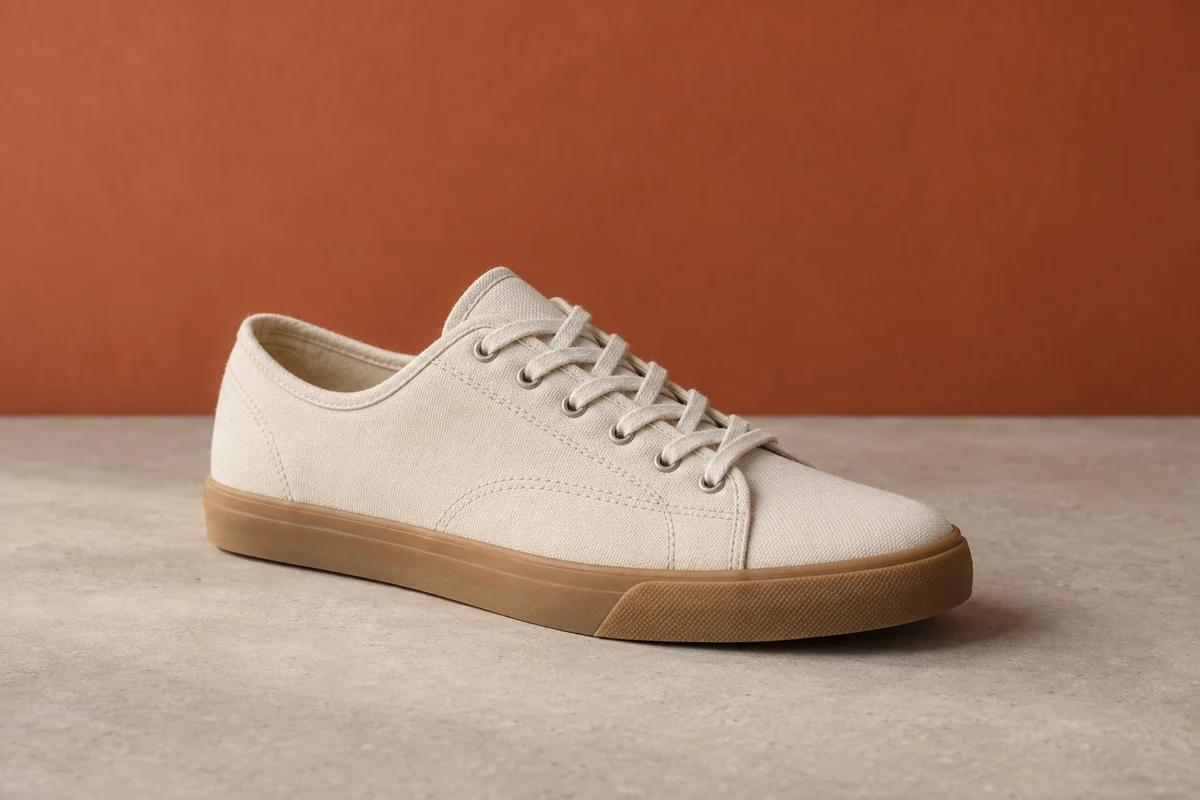
Use case · Product photography
AI Product Photos: Studio Shots From a Phone Photo
Professional-looking product and lifestyle shots from a single phone photo, without booking a photographer or a studio.
Read the guide →
Use case · Social media
AI Visuals for Social Media: On-Brand Posts Every Day
A consistently active, on-brand social presence without spending your evenings in a design tool.
Read the guide →
Use case · Email marketing
AI Images for Email: Newsletters People Actually Open
Every email goes out with a proper header image and clean visuals — no designer on retainer, no stock-photo look.
Read the guide →
Use case · Advertising
AI Video Ads: Turn Product Shots Into Moving Ads
Short, scroll-stopping video ads made from your existing product images — no film crew, no editor, no agency invoice.
Read the guide →
Use case · YouTube
AI Video for YouTube: Run a Channel Without a Studio
A YouTube channel that publishes regularly — produced, packaged, and uploaded by your AI team while you approve the results.
Read the guide →
Use case · Website
AI Videos for Your Website: A Hero Video Without a Crew
A short, professional video on your homepage that makes the business feel bigger than it is — made in days, not months.
Read the guide →Start with one
Pick the job your team
needs done this week.
Every guide ends in a tool you can open with one Teamday account.